How to Build an AI Workflow for Small Business
A practical step-by-step guide to building an AI workflow for a small business without wasting time, money, or trust.
Deelo Editorial

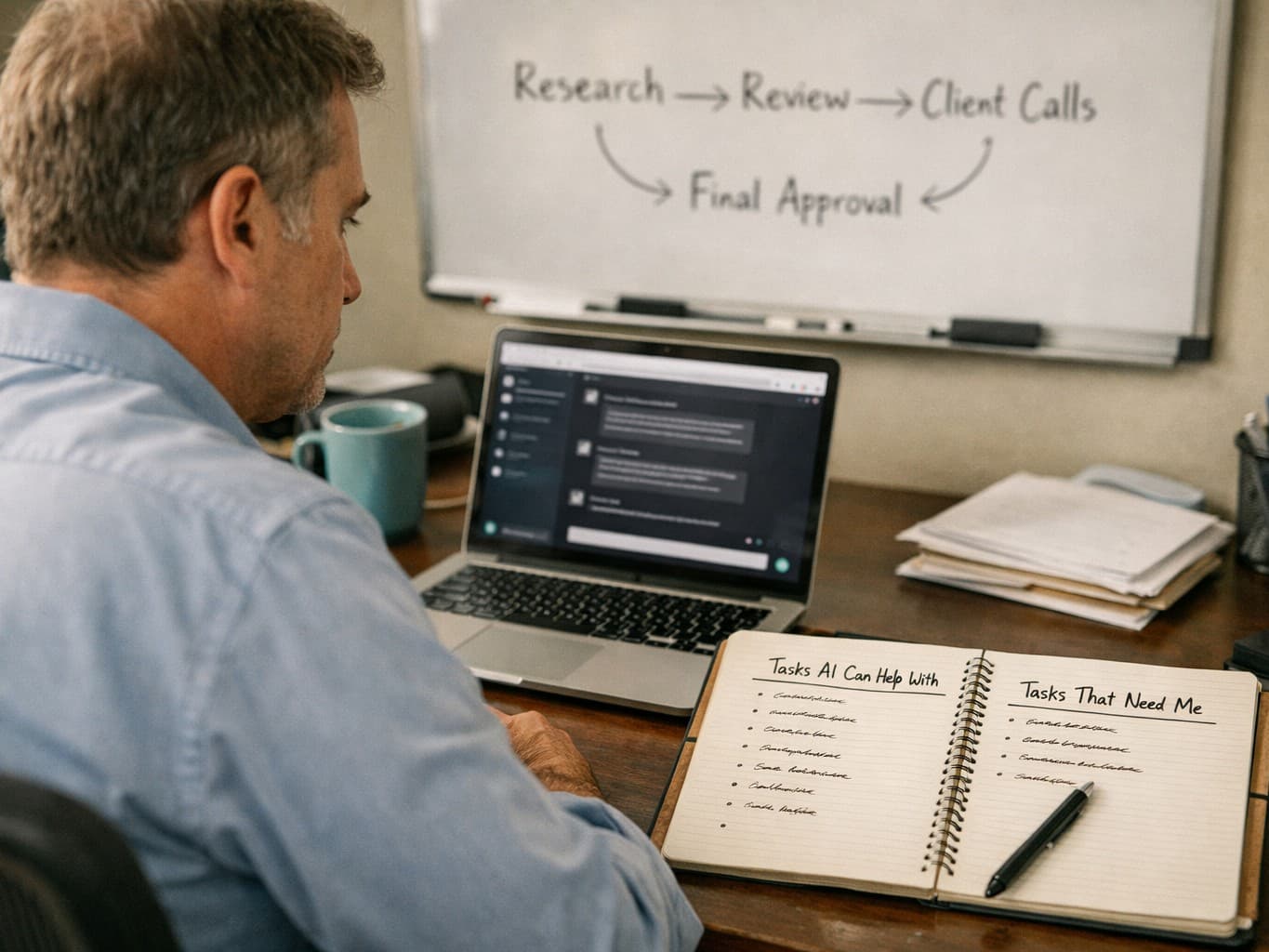
Small businesses should build AI workflows around one narrow, repeatable task first, not around a vague goal like “use AI more.” The best workflow saves time on work you already do every week, keeps a human in charge of important decisions, and has a clear way to check quality.
That is the core answer to how to build an ai workflow for small business: pick one process, map it, add AI to the parts that involve drafting, sorting, summarizing, or extracting information, then test it against real work before you roll it out wider. If you start with the right use case, AI can reduce admin load and speed up routine work; if you start with the wrong one, it mostly creates cleanup.
What an AI workflow actually is
An AI workflow is a repeatable business process where an AI tool handles part of the work in a structured sequence. That sequence might include a trigger, an input, a prompt or rule set, a human review step, and a final action.
For a small business, that often looks less like a futuristic “agent” and more like a practical chain:
- A lead form arrives
- AI summarizes the request
- AI tags the inquiry by service type and urgency
- A staff member reviews the draft response
- The approved response goes out
- The CRM record updates
That is a workflow. It is not just “using ChatGPT sometimes.” It is a defined process with consistent inputs, outputs, and ownership.
This distinction matters because many small businesses buy a tool before they know what problem they are solving. If you have not defined the process, you do not really have a workflow. You have an extra tab open in your browser.
Start with a use case that is boring and frequent
The best first AI workflows are usually not the most ambitious ones. They are the most repetitive.
A good first use case is:
- Done often
- Time-consuming but not strategically sensitive
- Based on text, documents, spreadsheets, or standard requests
- Easy for a human to review
- Painful enough that your team will actually use a better system
Examples for small businesses include:
- Drafting follow-up emails after discovery calls
- Summarizing customer support messages
- Turning meeting notes into action items
- Categorizing invoices or receipts
- Drafting job descriptions or internal SOPs
- Pulling key points from contracts for review
- Creating first-draft social captions from a campaign brief
- Building FAQ responses from existing support documentation
Bad first use cases tend to be the opposite:
- High-risk legal or financial decisions without review
- Brand-sensitive writing with no editing
- Complex edge cases that even your team handles inconsistently
- Fully autonomous customer communication where errors damage trust
If you are not sure where to begin, do a one-week audit. Write down every recurring task that takes more than a few minutes and happens several times a week. Then mark which ones involve writing, summarizing, extracting, classifying, or reformatting information. Those are usually your best AI candidates.
Map the workflow before you touch a tool
Before choosing software, map the current process exactly as it happens now. This is the step most businesses skip, and it is why a lot of AI experiments stall.
Use a simple template:
1. Define the trigger
What starts the workflow?
Examples:
- A new email arrives in the support inbox
- A customer fills out a quote form
- A sales call ends
- A supplier sends a PDF invoice
2. List the inputs
What information does the process need?
Examples:
- Customer message
- Call transcript
- Intake form answers
- Uploaded document
- Product catalog
- Pricing sheet
- Internal policy document
3. Define the output
What should the workflow produce?
Examples:
- A draft reply
- A short summary with action items
- A categorized ticket
- A cleaned spreadsheet row
- A first-draft proposal
4. Mark the decision points
Where does judgment matter?
Examples:
- Approving a refund
- Promising a delivery date
- Interpreting unusual contract language
- Escalating an unhappy client
These are places where a human should usually remain in the loop.
5. Set the handoff
Who checks the output, and what happens next?
Without a clear handoff, workflows break. The AI may produce a draft, but if no one owns review and final action, the task still sits there.
A workflow map does two useful things. First, it shows whether AI belongs in the process at all. Second, it helps you see whether the actual bottleneck is not intelligence but messy operations, missing templates, or inconsistent source data.
Choose the right AI role inside the process
AI works best in small business workflows when you give it a narrow role. In practice, there are a few roles where it tends to be useful.
Drafting
AI creates a first version of something:
- Email replies
- Proposals
- Blog outlines
- Meeting recaps
- Internal documentation
This can save time, but the quality depends heavily on the source material and prompt instructions.
Summarizing
AI turns long inputs into short usable outputs:
- Call transcripts into next steps
- Long email threads into a status summary
- Research notes into a brief
- Support conversations into issue reports
This is often one of the safest and highest-value starting points.
Classification
AI sorts items into categories:
- Lead quality tiers
- Support ticket types
- Product feedback themes
- Document labels
Classification can become powerful when combined with automation rules.
Extraction
AI pulls specific data from messy content:
- Names, dates, amounts, terms from documents
- Line items from invoices
- Contact details from forms or PDFs
This is useful, but it needs validation because extracted details can be wrong or incomplete.
Transformation
AI converts content from one format to another:
- Notes into CRM updates
- Webinar transcript into email copy
- Product specs into customer-facing descriptions
- Internal checklist into an SOP draft
For most small businesses, these roles deliver more value than chasing a fully autonomous agent from day one.
Pick tools based on the workflow, not the hype
You do not need the most advanced model for every process. You need a tool that fits the job, your budget, and your team’s tolerance for complexity.
A practical stack often includes:
- One general AI model for drafting and summarizing
- One automation platform for triggers and handoffs
- Your existing systems, such as email, CRM, help desk, docs, and spreadsheets
When evaluating models, focus on:
- Output quality on your real tasks
- Reliability across repeated runs
- Speed
- Cost per use or seat
- File handling
- Privacy and admin controls
- Ease of use for nontechnical staff
If you are deciding between major AI assistants, this comparison can help: ChatGPT vs Claude vs Gemini: Which One Fits Your Work?. If you want a broader framework for matching a model to the work itself, read How to Choose the Right AI Model for Your Workflow.
The point is not to find the “best” model in the abstract. It is to find the one that performs well on the specific workflow you mapped.
Build the workflow in one small pilot
Once you have a use case and a tool, build the smallest version that can work.
Say the workflow is lead-response drafting for a service business. A minimal pilot might look like this:
- New lead form submission enters your inbox or CRM
- AI reads the form answers
- AI produces:
- a short summary
- a lead category
- a draft reply using your tone and service details
- A team member reviews and edits
- The approved message is sent
- The CRM is updated with tags and notes
That is enough for a pilot. You do not need to add five extra branches, complex memory, or cross-system orchestration on day one.
Keep the first version simple enough that you can answer these questions quickly:
- Did it save time?
- Was the output usable?
- Where did errors happen?
- Did staff actually use it?
- Was review manageable?
The first goal is not full automation. It is dependable assistance.
Write prompts like operating instructions
A weak prompt gives vague results. A strong prompt acts more like a mini SOP.
Good workflow prompts usually include:
- The AI’s role
- The task
- The source material it should use
- The constraints
- The desired format
- What it should do when information is missing
Example structure:
- You are assisting a small bookkeeping firm.
- Read the client inquiry below.
- Summarize the main issue in two sentences.
- Classify it as onboarding, billing, tax question, document request, or other.
- Draft a reply in a clear, professional tone.
- Do not promise timelines or legal advice.
- If needed information is missing, ask up to three specific follow-up questions.
- Return the output under these headings: Summary, Category, Draft Reply, Follow-Up Questions.
This reduces randomness and makes output easier to review.
If multiple employees will use the workflow, standardize the prompt rather than letting everyone improvise. You want process consistency more than individual prompt creativity.
Keep a human in the loop where risk is real
For small businesses, trust is often the business. One bad message to a customer, one incorrect invoice detail, or one careless summary of a contract can cost more than the time you saved.
Human review is especially important when the workflow touches:
- Pricing
- Legal terms
- Medical or health claims
- Financial advice
- Hiring or performance decisions
- Sensitive customer complaints
- Refunds, cancellations, or exceptions
Even when AI performs well most of the time, errors can be oddly confident and hard to spot if your team starts assuming the system is usually right. That is why review should not just exist in theory; it should have a named owner.
A useful rule is this: the higher the downside of being wrong, the stronger the human checkpoint should be.
Clean up your inputs or the workflow will disappoint you
A lot of AI workflow problems are really data problems.
If your templates are inconsistent, your product information is outdated, your CRM fields are half empty, or your process depends on tribal knowledge in one employee’s head, AI will expose those weaknesses quickly.
Before scaling a workflow, check:
- Are your source documents current?
- Is your pricing or policy information centralized?
- Are form fields structured enough to be useful?
- Do you have examples of good past outputs?
- Are naming conventions consistent?
Small improvements to inputs often produce better results than changing models.
This is one reason small businesses should resist grand promises about autonomous AI agents replacing whole teams. In reality, many workflows fail because the business process itself was never standardized.
Measure results with a few simple metrics
You do not need a complex analytics setup to decide whether an AI workflow is working. Use a small set of practical measures.
Start with:
Time saved
How long did the task take before versus after the workflow?
Usable-output rate
How often was the AI output good enough to use with light editing?
Error rate
How often did the output contain factual mistakes, wrong classifications, formatting issues, or missing information?
Adoption
Did the team use the workflow consistently, or did they avoid it because it created extra work?
Business impact
Did the workflow help response times, throughput, consistency, or customer experience?
Do not overclaim ROI after a few days. Test for long enough to see recurring failure modes, not just early novelty.
Common mistakes small businesses make
A few patterns show up again and again.
Starting too broad
“Use AI across the business” is not a plan. Start with one process.
Automating a broken process
If the current workflow is confused, AI usually makes the confusion faster.
Removing human review too soon
The temptation is understandable, especially when the first demos look good. But that is often when quality slips.
Ignoring privacy and permissions
Know what business information your team is putting into third-party tools. Review account settings, access controls, and whether staff are using personal accounts for company work.
Judging the workflow after one bad output
AI outputs vary. Test on a representative set of real tasks, not one lucky example or one failure.
Chasing the most advanced setup first
You probably do not need a multi-agent system. You probably need a reliable draft-and-review process.
A sample AI workflow for three common small businesses
To make this more concrete, here are three realistic examples.
Service business: lead intake and follow-up
A marketing agency, design studio, consultant, or local service company can use AI to:
- Summarize intake forms
- Tag leads by fit and urgency
- Draft first replies
- Suggest follow-up questions
- Create a CRM note from the conversation
Human review stays in place before anything is sent.
Retail or ecommerce business: customer support triage
AI can:
- Classify incoming support emails
- Pull order context from structured data
- Draft replies for common issues
- Escalate complaints or exceptions
- Summarize recurring complaint themes for operations review
This can reduce response lag without handing sensitive situations entirely to automation.
Professional services firm: meeting-to-action workflow
AI can:
- Transcribe or process meeting notes
- Produce a summary and action list
- Draft a client recap email
- Update internal project notes
- Flag missing decisions or deadlines
This often works well because the workflow is text-heavy, repetitive, and easy to review.
How to scale after the first workflow works
Once one workflow is stable, build outward carefully.
A sensible order is:
- Improve the prompt and input quality
- Add clearer review rules
- Connect the workflow to another system
- Create templates for adjacent use cases
- Train staff on when to trust and when to verify
- Only then consider more autonomy
At this stage, document what “good output” looks like. That matters more than enthusiasm. AI workflows become durable when they are embedded in operations, not when they live in one power user’s head.
If cost discipline matters, use the same mindset you would use for any process investment: define the problem, start small, protect cash flow, and expand only after results. That general habit is not unique to AI, and the logic is similar to any careful spending decision, including the approach in How to Pay Off Debt Fast Without Blowing Up Your Budget.
The practical bottom line
If you want to know how to build an ai workflow for small business, the answer is to begin with one repetitive task, map the process in detail, assign AI a narrow role, and keep a human responsible for the final outcome. The businesses that get value from AI are usually not the ones doing the fanciest automation first; they are the ones building dependable systems around real work.
Start with a workflow that drafts, summarizes, classifies, or extracts. Test it on real examples, measure whether it actually saves time, and fix the inputs before blaming the model. That approach is less exciting than the hype, but it is much more likely to work.