How to Use AI Without Losing Critical Thinking
A practical guide to using AI as a tool, not a substitute for judgment, analysis, or independent thought.
Deelo Editorial
AI does not automatically make people worse at thinking, but it does make it easier to skip parts of thinking that used to feel unavoidable. If you want to use AI without losing critical thinking, the goal is simple: make the model do support work while you keep ownership of the question, the standards, and the final decision.
That sounds obvious until AI becomes fast enough to feel like a shortcut for everything. Draft a message, summarize a paper, explain a concept, compare options, propose a plan. The convenience is real. The risk is not that people become incapable overnight. The risk is drift: less checking, less questioning, less tolerance for ambiguity, and more willingness to accept fluent output as if fluency were proof.
Critical thinking is not just “being skeptical.” It is the habit of defining the problem clearly, noticing assumptions, testing claims against evidence, comparing alternatives, and recognizing what you still do not know. AI can help with parts of that process. It can also quietly bypass it.
Why AI can weaken judgment if you use it carelessly
The main problem is that AI is built to generate plausible language. Plausible language often feels like understanding, even when the answer is shallow, incomplete, or wrong.
That creates a few predictable failure modes:
You outsource the hard part too early
If your first move is “ask AI what to think,” you give up the stage where your own understanding would normally form. Even a rough first pass from your own brain matters. It gives you something to compare against. Without that, the model's frame becomes your frame.
You confuse speed with quality
A fast answer feels efficient, but speed can hide weak reasoning. AI often compresses tradeoffs into neat summaries. Real decisions are usually messier than the summary suggests.
You stop checking because the output sounds confident
People are more likely to trust language that is structured, specific, and polished. AI is very good at producing exactly that style. But polished language is not evidence. A clean paragraph can carry bad assumptions just as easily as a sloppy one.
You narrow your options without noticing
AI tends to produce the most statistically likely patterns. That can be useful for standard tasks, but it can also flatten originality. If you use it too early in creative or strategic work, you may converge on generic solutions before you have explored better ones.
These risks do not mean you should avoid AI. They mean you should use it in a way that preserves friction where friction is useful.
Keep the human role: question, criteria, decision
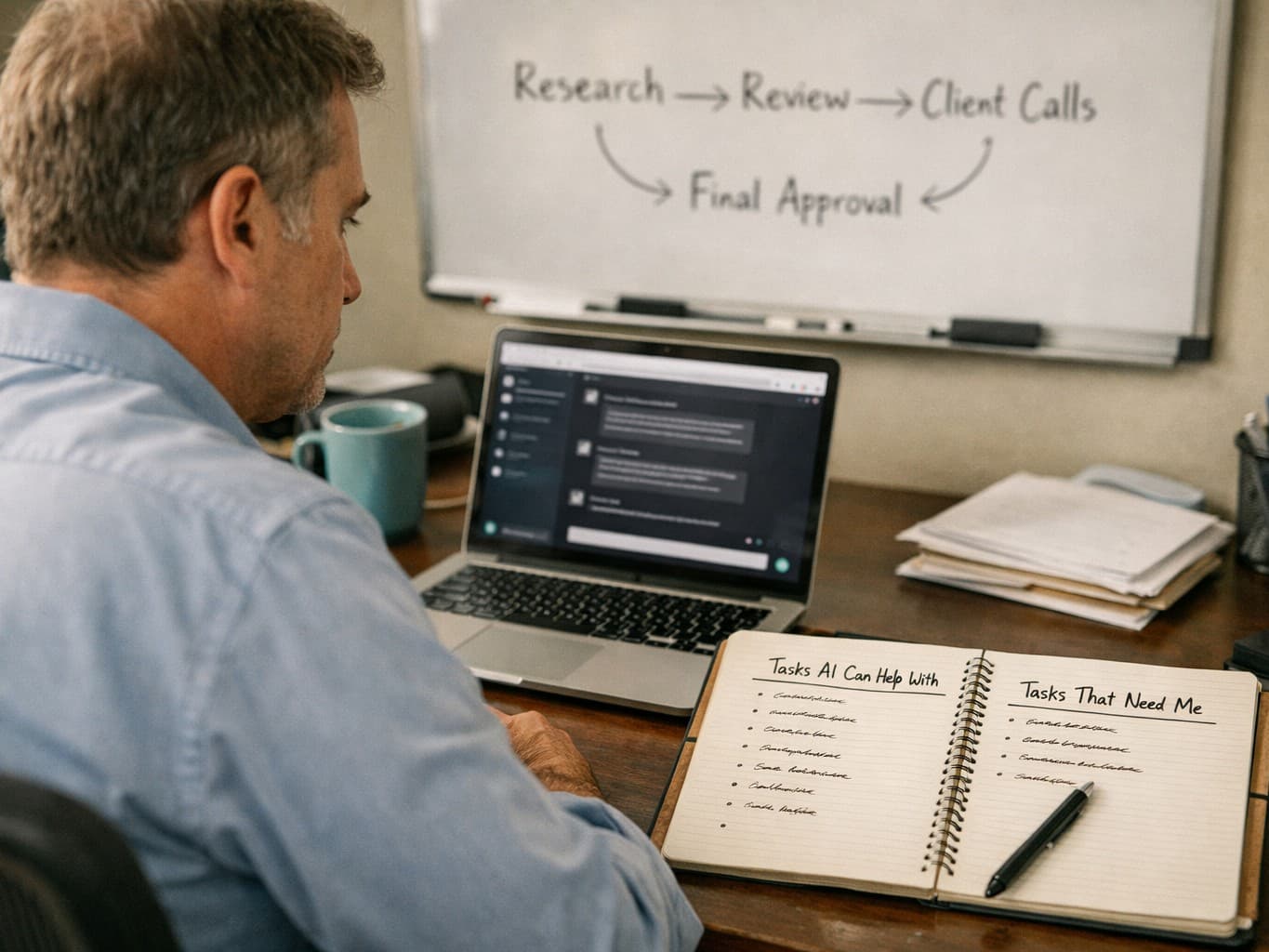
A workable rule is this: let AI help with generation and organization, but keep three things human.
1. You define the real question
Bad thinking often starts with a bad problem definition. If you ask AI a vague question, it will usually give you a tidy answer to the vague question instead of helping you refine it.
For example, “What career should I choose?” is too broad to answer well. A better human-owned question might be: “Given my strengths, tolerance for risk, income needs, and dislike of travel, which of these three roles fits best over the next two years?”
AI can help compare the options once you define them. It should not be the thing deciding what matters.
2. You set the criteria
The model does not know your values unless you state them, and even then it only reflects what you tell it. Cost, time, reputation, ethics, risk, emotional impact, reversibility, and long-term effects do not all matter equally in every decision.
Critical thinking means choosing the lens before you accept the answer.
3. You make the final judgment
AI can produce recommendations. It cannot bear responsibility for consequences. If the decision affects your money, health, work, relationships, or reputation, the final call should include your own review of assumptions and tradeoffs.
This is similar to how you should approach AI workflows at work: systems are useful, but only if humans stay accountable for outcomes. If that is the part you are building toward, How to Build an AI Workflow for Small Business is a useful companion read.
A practical method: think first, prompt second, verify third
The simplest way to use AI without losing critical thinking is to change the order of operations.
Step 1: Write your own rough answer first
Before prompting, spend a few minutes writing what you already think.
Use bullets if needed:
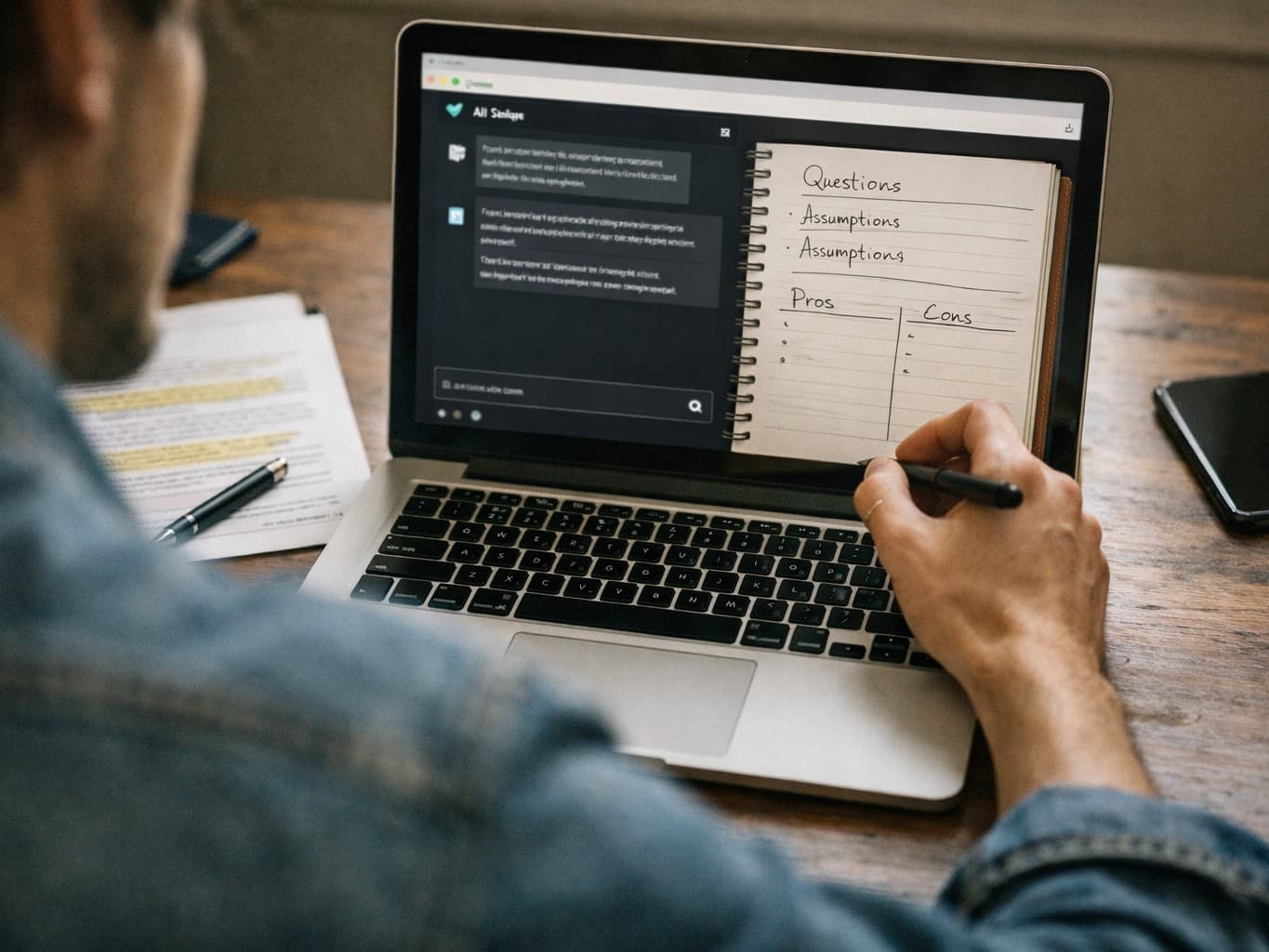
- What is the question?
- What do I already know?
- What am I unsure about?
- What would count as a good answer?
- What are the obvious options or explanations?
This protects your independent reasoning from being overwritten too soon. Your answer does not need to be polished. It only needs to exist.
Step 2: Ask AI for alternatives, not authority
Better prompts reduce passive dependence. Instead of asking for “the answer,” ask for:
- competing explanations
- counterarguments
- missing factors
- edge cases
- assumptions in your reasoning
- criteria you may be ignoring
Useful prompt examples:
- “Here is my current view. What assumptions am I making?”
- “Give me the strongest argument against this plan.”
- “What information would change the conclusion?”
- “Compare these options using cost, time, risk, and reversibility.”
- “What would a domain expert likely question in this summary?”
That turns AI into a challenger, not a substitute thinker.
Step 3: Verify the parts that matter
Not every output needs full fact-checking. A grocery list does not deserve the same scrutiny as legal, medical, financial, or professional advice.
But if an AI answer includes factual claims, interpretations of evidence, or recommendations with real consequences, verify the key points. Check primary sources when possible. Look for disagreement, not just confirmation. Ask whether the answer relies on outdated or generalized information.
Verification matters even more when the model gives you exactly what you hoped to hear.
Use AI for the right layers of work
AI is most useful when it reduces mechanical effort without replacing judgment.
Good uses usually include:
- summarizing material you will still review yourself
- turning rough notes into a cleaner draft
- brainstorming options you will evaluate
- generating questions for a meeting or interview
- explaining a concept at different levels of difficulty
- outlining pros and cons before you decide
- helping structure research or planning
Riskier uses include:
- deciding what is true in a contested topic without outside checking
- making emotionally charged decisions for you
- interpreting specialized advice without domain knowledge
- replacing reading with summaries alone
- producing opinions you adopt without understanding
A good test is this: if the output were wrong, would you know? If the answer is no, you should slow down.
Protect the skills most likely to atrophy
People do not usually lose critical thinking all at once. They stop practicing specific sub-skills.
Reading beyond summaries
AI summaries are useful, but relying on them alone can make you less able to evaluate nuance, evidence quality, and what was omitted. On important topics, read at least some of the source material yourself. Summaries are maps, not territory.
Tolerating uncertainty
Models are rewarded for producing coherent answers. Real reasoning often involves unresolved questions, mixed evidence, and incomplete information. If you expect every issue to resolve into a clean conclusion, you can become more gullible, not less.
Generating original questions
One of the quiet costs of heavy AI use is that people start asking only the kinds of questions that fit prompt boxes well. Critical thinkers notice when the obvious question is not the real one.
Arguing both sides
Research on reasoning generally shows people are bad at spotting flaws in their own preferred view. AI can help here if you use it deliberately. Ask it to build the strongest case against your current position, then see whether your view survives.
Estimating confidence accurately
A dangerous habit is becoming either overconfident because AI sounds sure, or underconfident because AI sounds smarter than you. Neither is useful. Try labeling your own confidence before you ask the model, then compare afterward. You want calibration, not submission.
Set rules for high-stakes and low-stakes use
Not every task deserves the same process. You can preserve critical thinking without turning every prompt into a formal review.
Low-stakes tasks
For routine work, AI can be mostly a convenience tool. Drafting a simple email, reformatting notes, generating meal ideas, or summarizing your own meeting transcript usually does not require intense scrutiny.
Medium-stakes tasks
For work plans, strategic writing, learning, or research support, use AI as a collaborator. Get options, challenge your assumptions, and verify important claims before acting.
High-stakes tasks
For anything involving money, contracts, health, safety, hiring, firing, public claims, or sensitive relationships, do not treat AI output as a final answer. Use it to prepare, clarify, or generate questions. Then rely on trusted sources, relevant experts, and your own direct review.
This is the same basic discipline people use in other areas of life: convenience is fine until the cost of being wrong rises. The logic behind avoiding generic travel advice is not that different from avoiding generic AI answers; both benefit from checking what is real before committing. That is part of why How to Avoid Tourist Traps Without Missing the Best Parts feels oddly related in spirit.
Prompts that strengthen thinking instead of replacing it
A lot of people use weak prompts that invite weak habits. Small changes can make AI more useful.
Try prompts like these:
For analysis
- “List the assumptions behind this argument.”
- “What evidence would support or weaken this claim?”
- “What are three plausible alternative explanations?”
- “What important variable is missing from this decision?”
For decisions
- “Compare these options using criteria A, B, and C. Where is the uncertainty highest?”
- “What are the second-order effects of each option?”
- “Which parts of this choice are reversible, and which are hard to undo?”
- “What would make this recommendation fail in practice?”
For learning
- “Explain this simply, then explain what the simple version leaves out.”
- “Quiz me on this topic instead of summarizing it.”
- “Ask me five questions that reveal whether I actually understand this.”
- “Give me a wrong but tempting answer and explain why people fall for it.”
For writing and communication
- “Where is my argument vague or unsupported?”
- “What would a skeptical reader object to?”
- “Show me where I am making a claim stronger than the evidence allows.”
These prompts keep your brain engaged because they require evaluation, not just consumption.
Watch for signs that AI is doing too much of your thinking
A few warning signs show up quickly.
You may be overusing AI if:
- you ask it what you think before you know what you think
- you accept outputs that you could not explain in your own words
- you stop reading source material because summaries feel easier
- you feel unusually certain after reading one polished answer
- your work starts sounding more generic and less specific
- you use AI to avoid decisions that require values, not just information
- you feel less able to start from a blank page without assistance
That last point matters. Tools should increase capacity, not create dependency. If you sometimes struggle to begin without AI, set deliberate no-AI sessions where you outline, reason, or draft on your own first.
If you are still deciding which tool fits your style of work, ChatGPT vs Claude vs Gemini: Which One Fits Your Work? can help you choose based on use case rather than hype.
Build habits that keep you sharp
You do not need to reject AI to protect your mind. You need a few repeatable habits.
Keep an “AI last” lane
Choose some tasks where AI is not allowed until after your first pass. Good candidates: outlining an argument, interpreting a reading, planning a difficult conversation, or solving a conceptual problem.
Ask for disagreement on purpose
Do not just ask the model to improve your idea. Ask it to test it. Agreement is comforting, but criticism is often more useful.
Separate ideation from evaluation
Use AI to expand possibilities, then pause before judging them. When generation and evaluation happen too quickly, the first polished option often wins by default.
Use source checks as a routine, not a rescue
People often verify only when something feels suspicious. Better practice is to verify by category. If the topic is consequential, check key claims every time.
Explain the answer back to yourself
If you cannot restate an AI-assisted conclusion in plain language, you probably do not understand it well enough to trust it.
The point is not less AI. It is better thinking around AI.
The healthiest way to use AI is not as a machine that thinks for you, but as one that makes your thinking more visible, testable, and organized. It should help you see options, surface assumptions, and save time on low-value mechanics. It should not quietly take over judgment.
If you keep ownership of the question, the criteria, and the final decision, AI can sharpen critical thinking rather than erode it. The difference comes down to habit: think first, prompt with intention, verify what matters, and resist the temptation to confuse a fluent answer with a reliable one.